Exporting a List of Users
Exporting a List of Users
1. Click on the Export button at the top right of the interface.
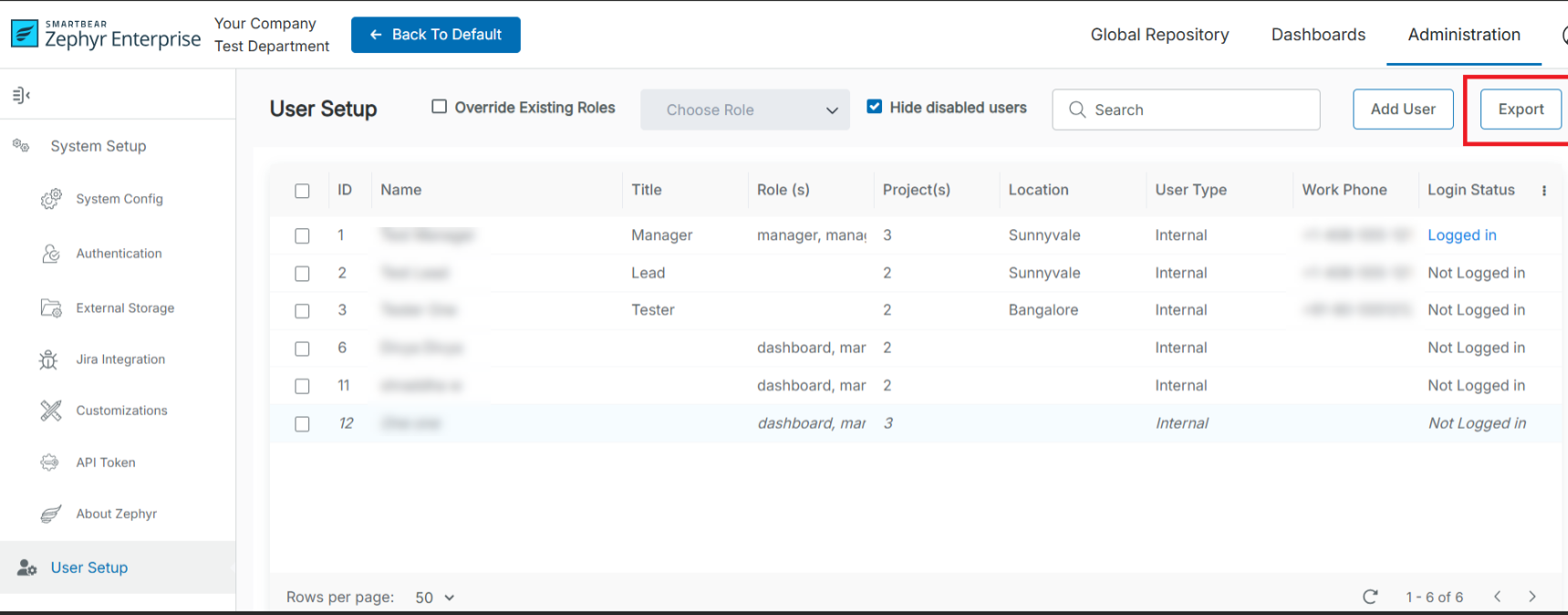
2. A Download File dialog box appears, prompting the user to confirm that they want to download the CSV file for the list of users.
3. Click Download.