Requirements Traceability
View Requirements Traceability
In Zephyr Enterprise, you can trace requirements through your project's entire lifecycle using the Traceability view. To view requirements traceability, perform the following steps:
Open the Requirements page.
Go to Requirements.
Select a folder in the requirements tree on the left.
Select the checkbox next to each requirement you want to trace, then click Traceability.

The next screen displays the selected requirements and their traceability data.
View defects in Traceability
Click a defect in the traceability table to view details about defects linked to your requirements.
View Jira IDs in Traceability
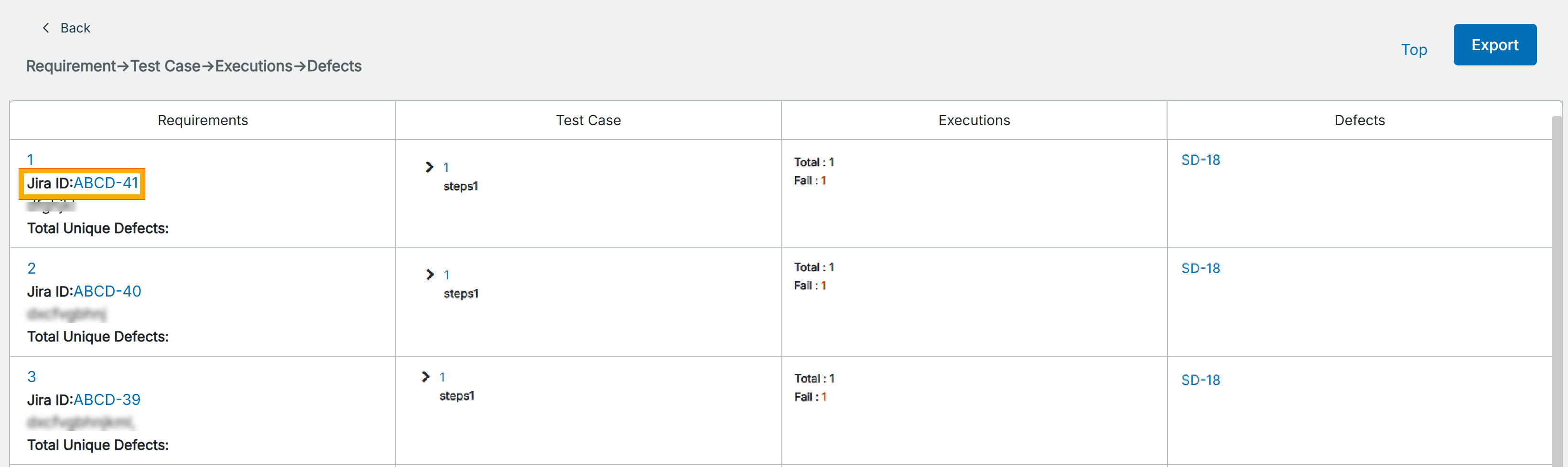
In the Requirement Traceability view, you can see the Jira ID for requirements synced or imported from Jira. The Jira ID is clickable and navigates you directly to the linked Jira issue.
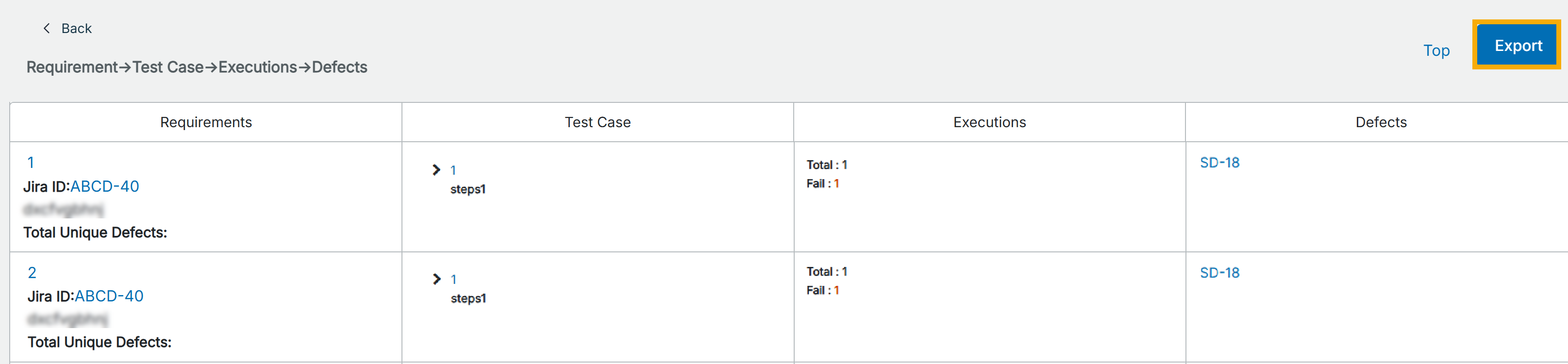
Export Requirements Traceability
To export the traceability report, click Export in the top-right corner of the window, and then click OK in the subsequent dialog if downloading hasn't started automatically.